
Last Updated: November 22, 2026
Quick Summary
Start free, and only pay for 3D modeling software when a specific feature blocks a project you actually want to finish. Most paid plans sell convenience rather than capability, so free tools cover modeling, slicing prep, and export for hobby printing. Pay only when you hit cloud processing limits, need commercial licensing clarity, or want AI-assisted model generation.
- Tinkercad is browser-based and the gentlest starting point for a first model.
- Blender is fully featured at no cost and strong for organic shapes.
- FreeCAD handles CAD-style precision for dimension-focused designs.
- Blender wants a dedicated graphics card and 8GB of RAM or more.
- AI modeling paid plans start around $9.99 per month.
Table of Contents
- Free vs Paid 3D Modeling Software: The Beginner’s Decision Framework
- Best Free 3D Modeling Software for Beginners
- Free 3D Modeling Software for 3D Printing: What Actually Works
- The Easiest Free 3D Modeling Software for 3D Printing
- Free 3D Modeling Software for Students: Licensing and Limits
- When Paid Software Is Worth It: Features, Costs, and Trade-offs
- Total Cost of Ownership: What Beginners Actually Spend
- Choosing Your First 3D Modeling Tool and Supplies
- Frequently Asked Questions
Free vs Paid 3D Modeling Software: The Beginner’s Decision Framework
The short answer: start free, and only pay when a specific feature blocks a project you actually want to finish. Most paid plans sell convenience rather than capability, so starting free is a sensible rule for most beginners. Free 3D modeling software now covers modeling, slicing prep, and export for hobby printing. Paying makes sense when you hit cloud processing limits, need commercial licensing clarity, or want AI-assisted model generation. Below, we break down which free tools actually work for printing, where paid plans earn their fee, and what beginners really spend in year one.
Best Free 3D Modeling Software for Beginners
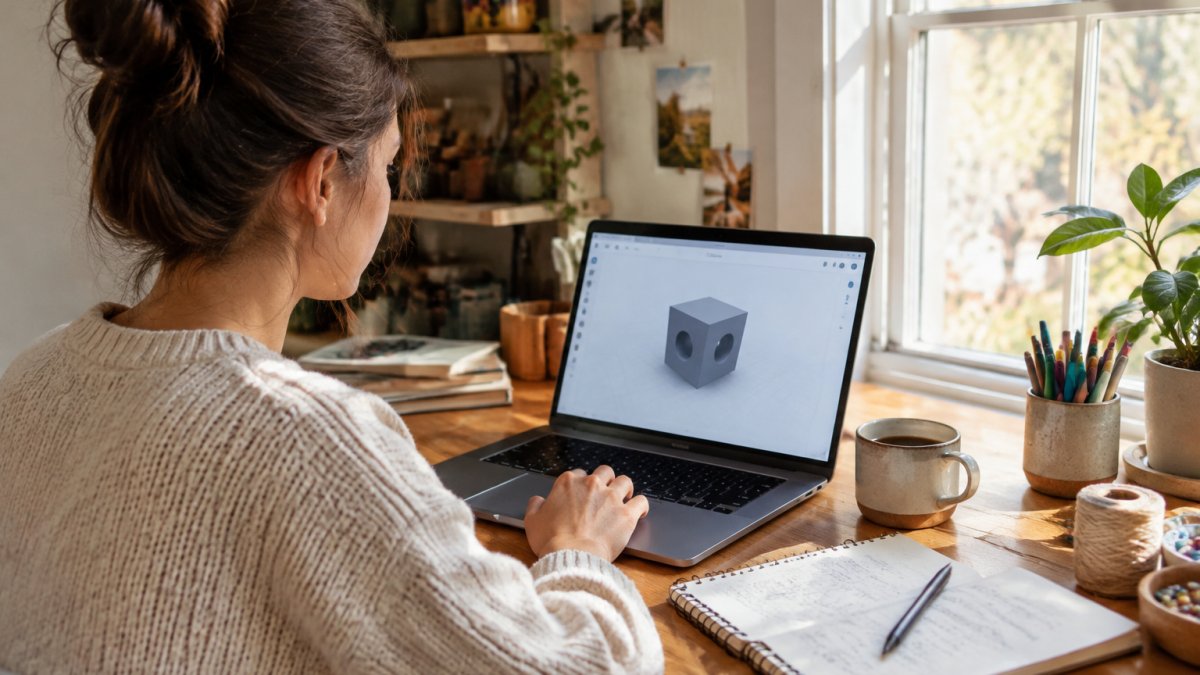
Three free options cover nearly every beginner use case. Tinkercad is browser-based and the gentlest starting point for a first model. Blender is fully featured at no cost and strong for organic shapes. FreeCAD handles CAD-style precision for dimension-focused designs.
| Tool | Cost | Best For | Watch Out For |
|---|---|---|---|
| Tinkercad | Free | First model, browser access | Limited advanced modeling |
| Blender | Free | Organic shapes, sculpting | Steep learning curve |
| FreeCAD | Free | Precise CAD dimensions | Less beginner-friendly |
Beginners often pick Blender first because it is free and well known, but its learning curve can be steep. Starting with Tinkercad is a gentler route if you have never modeled before.
Free 3D Modeling Software for 3D Printing: What Actually Works
Not every free modeler produces a print-ready file. The ones that work for 3D printing share three traits: clean mesh export, dimensional accuracy, and STL or 3MF output. Tinkercad, FreeCAD, and Blender can all export printable files, though Blender models should be checked for non-manifold geometry before slicing.
A common mistake is assuming a good-looking model will print. In practice, wall thickness and watertight meshes matter more than surface detail. Run every model through your slicer’s repair check before committing filament. For a deeper walkthrough of finishing prints, see our guide on improving a 3D print’s surface finish.
The Easiest Free 3D Modeling Software for 3D Printing
Tinkercad is generally considered easy to use. It runs in a browser, needs no installation, and its drag-and-drop primitives make it approachable for a first printable model. The trade-off is ceiling: complex organic shapes are out of reach.
Blender is more capable but demands patience with its interface. FreeCAD sits between them, easier than Blender for mechanical parts but less intuitive than Tinkercad. If your goal is a finished print this week, choose Tinkercad. If your goal is a skill you will grow into, accept Blender’s learning curve.
Free 3D Modeling Software for Students: Licensing and Limits
Students can access many of these tools for free. Blender is free for everyone, including commercial use, under its open-source license. FreeCAD is likewise free with no commercial restriction. Tinkercad’s free tier is aimed at education and hobby use, so check its terms before selling printed parts.
The real limit for students is not price but hardware. Blender wants a dedicated graphics card and 8GB of RAM or more; Tinkercad runs on almost anything with a browser. A Chromebook handles Tinkercad fine and struggles with Blender. Match the tool to the machine you own.
When Paid Software Is Worth It: Features, Costs, and Trade-offs
Paid 3D modeling software earns its fee in four specific situations. Below is what each one actually costs and how to tell whether it applies to you.
1. Commercial licensing certainty. Free tools carry different license terms. Read each tool’s license before selling printed parts, since terms determine whether commercial use is permitted. If you plan to sell models or printed goods, a paid plan with an explicit commercial license removes ambiguity, but confirm the license covers the output, not just the software.
2. Cloud processing and rendering. Browser-based and cloud tools meter compute. Free tiers typically cap render resolution, project storage, or export counts. Paid tiers lift those caps. A common pattern is a free tier that handles a first model and a paid tier that unlocks higher-resolution renders or batch exports. If your project stalls at a render or export limit, that is a real paywall, pay it.
3. AI-assisted model generation. AI modeling tools now offer free tiers with paid plans starting around $9.99 per month, per 3D AI Studio’s pricing page. That is a low entry point for beginners curious about AI-generated models, but treat it as a convenience purchase, not a capability unlock, you can model the same object manually in a free tool.
4. Priority support and collaboration. Paid plans often add shared workspaces, version history, and support response times. For a solo hobbyist, these rarely justify the fee. For a student team or a small shop, they can.
The beginner decision test. Ask three questions in order. First, can a free tool finish the project I am working on right now? If yes, do not pay. Second, is the blocker a hard limit (export cap, license restriction, render resolution) or a soft one (interface preference, tutorial availability)? Only hard limits justify payment. Third, does the paid tier cost less than the time I would spend working around the limit? A $9.99 monthly plan is roughly the price of one spool of PLA, compare it to your hourly time, not to zero.
Watch out: beginners often pay for a subscription to solve a learning-curve problem. A paid plan does not make Blender easier to learn; it only removes limits you have not hit yet. Upgrade the moment a paywall blocks a project you genuinely want to complete, not before.
Total Cost of Ownership: What Beginners Actually Spend
Most free-versus-paid comparisons stop at the headline subscription price. That is the wrong number. Total cost of ownership for a beginner includes software, hardware, consumables, and learning resources, and software is usually the smallest line.
Software. Free tools cost $0. Paid modeling subscriptions vary by tier and billing cycle, and perpetual licenses, where offered, are a one-time charge. Check each vendor’s current pricing before budgeting, since a year of subscription fees can add up quickly.
Hardware. Blender wants a dedicated graphics card and 8GB of RAM or more; Tinkercad runs on almost anything with a browser. A Chromebook handles Tinkercad fine and struggles with Blender. If your current machine cannot run the paid tool you are considering, the true cost of that subscription includes a hardware upgrade. Budget for the machine before the software.
Consumables. Filament is the recurring cost that dwarfs software for most hobbyists. A single spool of PLA is a routine purchase, and failed prints consume filament. Software that improves print success, through better mesh checking or slicer integration, can pay for itself in saved filament, but only after you are printing regularly.
Learning resources. Free tutorials cover Tinkercad and Blender well. Structured courses, books, and paid tutorials add cost. A common pattern is beginners spending more on courses than on software in year one. Factor that in before adding a subscription.
Upgrade and lock-in costs. Subscription plans raise prices and change tiers; perpetual licenses may charge for major-version upgrades. Check whether your projects export in open formats, STL, OBJ, 3MF, STEP, so you can move between free and paid tools without losing editable data. Vendor lock-in is a cost that does not appear on any pricing page.
Blender’s official license page confirms the software stays free for commercial work, which removes licensing cost entirely for many beginners. Before you buy anything, read our breakdown of whether 3D printing is expensive for beginners so your first purchases match your actual budget.
Choosing Your First 3D Modeling Tool and Supplies
Pick your tool by project type, not by feature list. Use this checklist:
- Choose Tinkercad if you want a first print this week
- Choose Blender if you want organic shapes and will invest learning time
- Choose FreeCAD if your designs need precise dimensions
- Confirm your computer meets the tool’s hardware needs
- Check the license before selling anything you make
- Buy filament matched to your printer and experience level
Supplies matter as much as software. Our beginner’s guide to starting a 3D printing hobby walks through setup, and our best filament for beginners comparison covers PLA, PETG, and TPU. When you are ready to gear up, a 53-piece 3D printer tool kit covers both FDM and resin maintenance in one box.
The hardest part of 3D modeling is not the software, it is starting before you feel ready. At Craft Living Artistry, we offer 3D printing filaments and maker tools, with a curated selection so you do not have to scroll through endless listings. Browse our 3D printing filaments and maker tools to find what fits your project. Get started with Craft Living Artistry and turn your first design into something you can hold.
Frequently Asked Questions
What is the best free 3D modeling software for beginners?
Tinkercad is a strong starting point because it runs in a browser and is recommended for a first model. Blender is fully featured and free, and works well for organic shapes. FreeCAD suits beginners who want CAD-style precision. The best choice depends on whether you want the simplest interface or room to grow into advanced skills.
Is free 3D modeling software good enough for 3D printing?
Yes, for many beginner projects. FreeCAD is identified as a free option for CAD-style precision and 3D printing, and Blender handles organic modeling. The main limits are usually your own learning curve and the file formats each tool exports, not the price. Check that your chosen software can export a print-ready model in a format your slicer accepts.
Is FreeCAD actually free to use?
FreeCAD is described as fully free software. That means you can download it, model dimensional objects, and export files without paying a subscription. The trade-off is that the supplied research does not verify beginner-specific learning resources or ease of use, so budget time to learn the interface before you rely on it for a deadline project.
When should a beginner pay for 3D modeling software?
Pay when a free tool blocks a specific workflow, such as AI-powered model generation, advanced rendering, or commercial-use terms your project requires. Some AI modeling tools offer a free tier with paid plans, and pricing varies by provider. Start free, then upgrade only when you hit a concrete limit rather than paying upfront.
What features do paid 3D modeling programs offer that free ones do not?
Paid tools often add AI-powered modeling, broader rendering options, and clearer commercial-use licenses. The supplied research does not detail every paid feature, so compare each tool’s own documentation. For beginners, the practical difference is usually time saved on model generation and fewer export restrictions, not raw modeling capability.




0 Comments